
Even with an address, someone visiting an arcade for the first time may hesitate outside the building. Written directions do not easily show the entrance or interior. Photos also help explain the space when comparing two places with the same games.
Beta accepts photo submissions by email. An operator checks and registers the files manually, after which the arcade's detail gallery displays them.
Photos for planning a visit
Addresses and game lists describe location and available games. Photos show entrances and layouts that can take many words to explain. An exterior and entrance image, for example, can help someone identify a venue in a building with several businesses.
More photos do not automatically make guidance accurate. An image from another place or an old interior can cause confusion. The operator therefore checks the venue and scene before registration.
Email submissions and venue photo registration
The operator downloads email attachments and checks which arcade they show. In the admin tool, they choose the venue, preview files and remove mistaken selections before registration. Users do not upload and immediately publish files through the site.
Photos are separate records connected to the arcade ID, an identifier that distinguishes even similarly named places. Grouping files in a record lets the detail page retrieve a venue's photos together and lets operators manage images without rewriting its description.
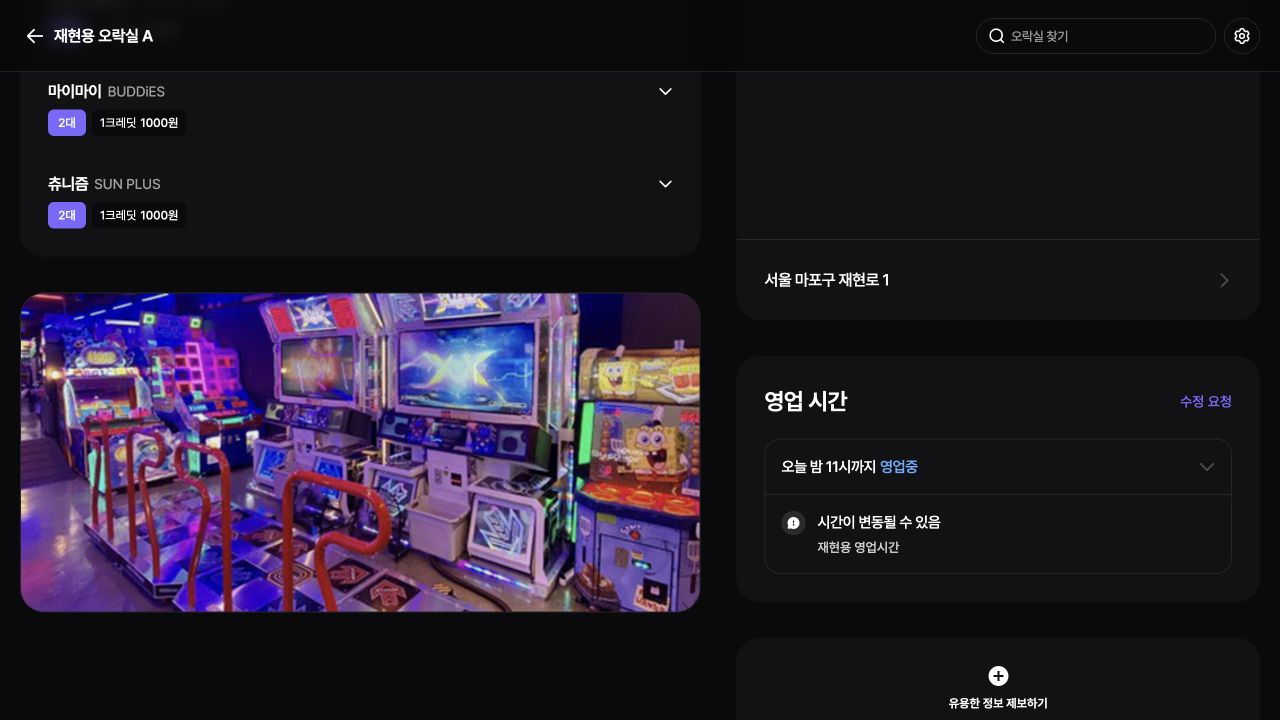
2023-12-25 Beta source reproduction with synthetic sample data. Photos are sample images included in the original repository. Original Korean screen; Beta supported Korean only.
Uploads and gallery queries
The admin uploader applies WebP format and file-size limits. A browser preview helps inspect a selection, while registration sends the actual files and arcade ID through the PocketBase SDK. Server files therefore remain accessible after the administrator closes the browser.
The detail page queries the venue's photo records and builds image addresses from record IDs and filenames. No gallery appears without photos. Horizontal browsing leads to an enlarged view of a selected image, connecting an overview with closer inspection.
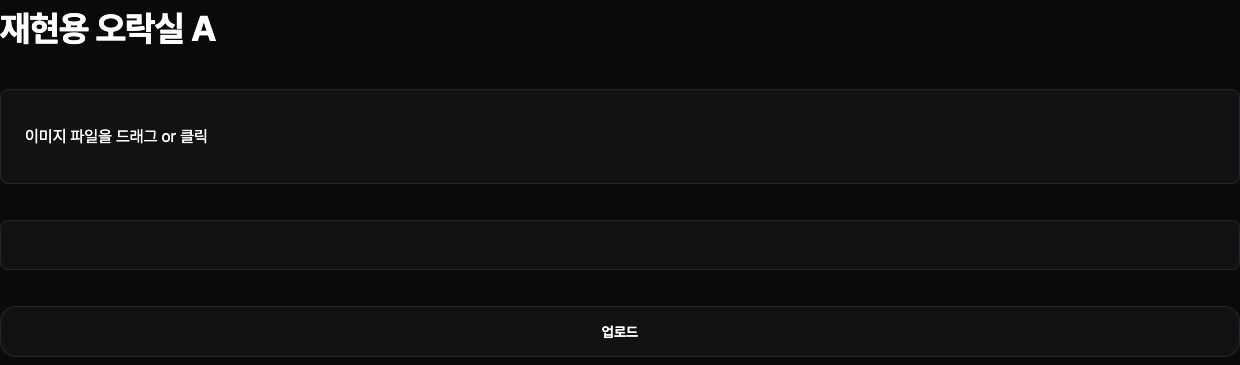
The per-arcade admin uploader's drag area and upload action, reproduced from the same original Beta source. Original Korean screen; Beta supported Korean only.
Photo viewing and image operations
The enlarged view includes the arcade name. A close button, background selection or Escape returns to the same venue information. A visitor might check the entrance photo and then return to prices or the game list.
Images require more storage and transfer than text. Format and size limits reduce an individual file without eliminating collection growth. File size must be balanced with enough detail to recognize the entrance, and changes to signs or layouts still require checking the registered images.
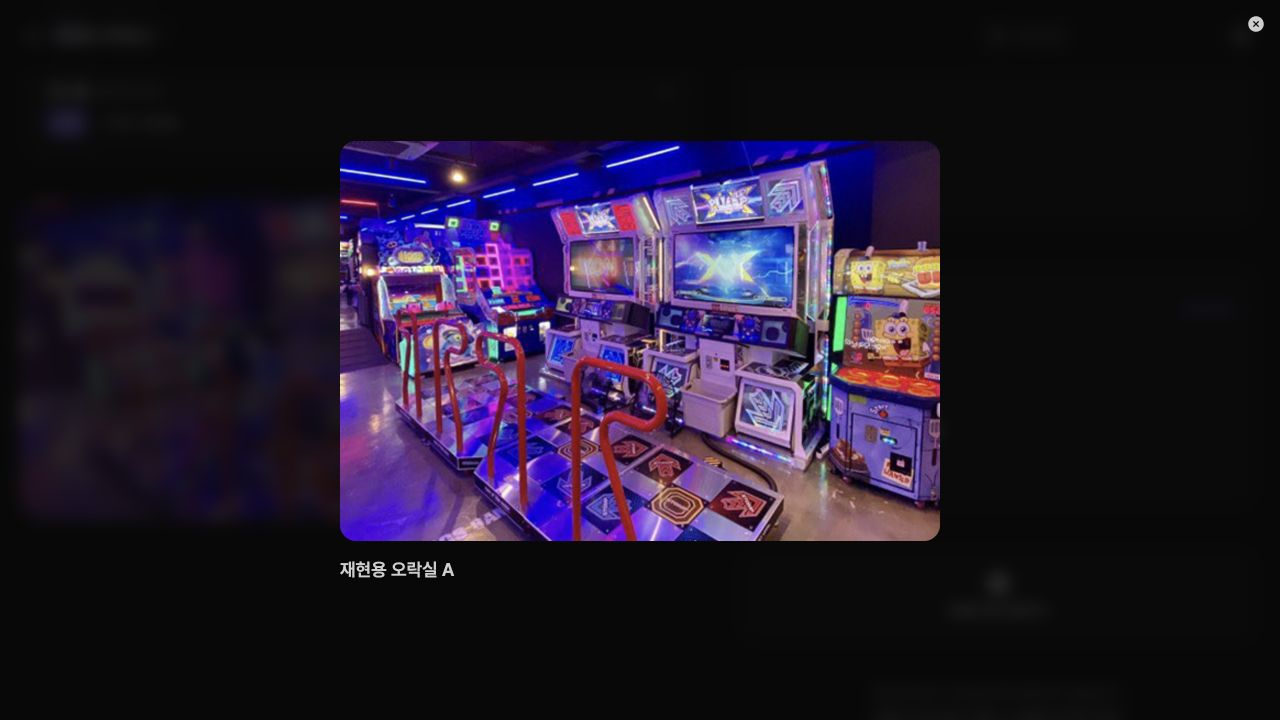
Selecting a gallery photo opens it with the place name. This example links a photo to a fictional arcade. Original Korean screen; Beta supported Korean only.